
Golden Effort
Buy a Book
Pay with MoMo or card. Your book will appear in the app after logging out and back in.
Choose Your Book
✓
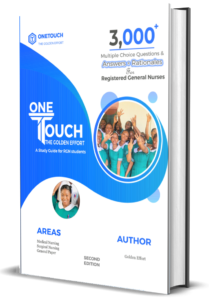
OneTouch for Registered General Nurses
✓

OneTouch for Registered Midwives
✓
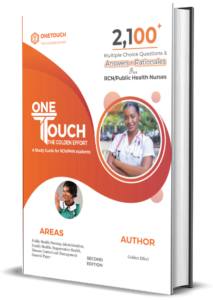
OneTouch for Registered Public Health Nurses
Choose Your Plan
Select a book above to see pricing
Your Account Email
Coupon Code
— skip this if you don’t have one
🎟️ Coupon applied!
Book—
Plan—
Total—
🔒 Secured by Paystack
📱 MoMo accepted
💳 Visa & Mastercard
Verifying Payment…
Please keep this page open.
This usually takes just a few seconds.
Payment Successful!
Your book has been unlocked and is ready to read. Here’s how to access it:
1
Open the Golden Effort app on your phone
2
Tap the settings icon at the top-right corner of the home screen
3
Scroll down to the bottom and tap Logout, then confirm
4
Log back in — your book will be waiting in your library
Verification Incomplete
Your payment went through with Paystack, but we couldn’t confirm it on our end — usually due to a network hiccup. Your money is safe.
Your Payment Reference
—
Save this reference. You’ll need it to recover access below,
or you can find it in your Paystack confirmation email.
Recover Your Access
Enter your payment reference and the email you used to pay. We’ll re-verify with Paystack and activate your book. Your reference is in the confirmation email from Paystack — it looks like GE-WEB-1234567890-ABC123.
Payment Reference
Auto-filled from your recent payment — just verify your email below
Email Used for Payment
Recovery works for payments made within the last 3 days.
If your payment is older, please contact us with your reference and we’ll help you manually.